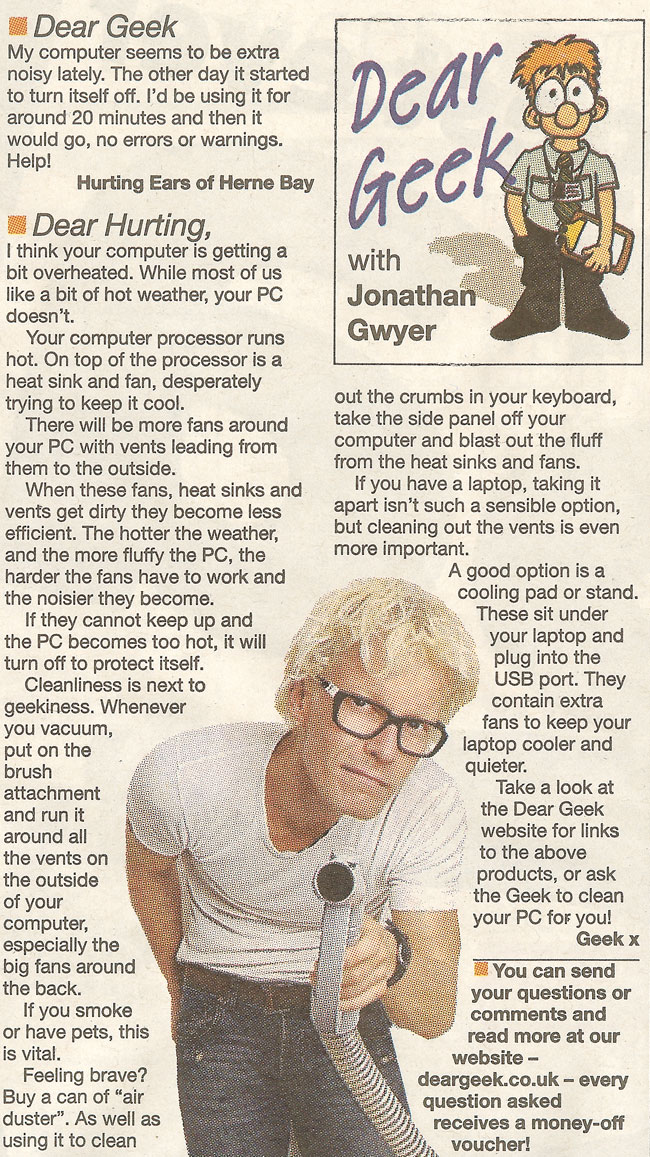
Dear Geek,
My computer seems to be extra noisy lately. The other day it started to just turn itself off – I’d be using it for around 20 minutes and then it would go, no errors or warnings. Help?
Hurting Ears of Herne Bay
 Dear Hurting,
I think your computer is getting a bit overheated – while most of us like a bit of hot weather, your PC doesn’t.
Your computer processor runs hot. On top of the processor is a heat sink and fan, desperately trying to keep it cool. There will be more fans around your PC with vents leading from them to the outside.
When these fans, heat sinks and vents get dirty they become less efficient. The hotter the weather and the more fluffy the PC, the harder the fans have to work, the noisier they become. If they cannot keep up and the PC becomes too hot, it will turn off to protect itself.
Cleanliness is next to Geekiness. Whenever you hoover, put on the brush attachment and run it around all the vents on the outside of your computer, especially the big fans around the back. If you have pets or smoke, this is vital.
Feeling brave? Buy a can of ‘air duster’. As well as using it to clean out the crumbs in your keyboard, take the side panel off your computer and blast out the fluff from the heat sinks and fans.
If you have a laptop, taking it apart isn’t such a sensible option, but cleaning out the vents is even more important. A good option is a cooling pad or stand – these sit under your laptop and plug into the USB port. They contain extra fans to keep your laptop cooler and quieter.
Take a look at the Dear Geek website for links to the above products, or ask the Geek to clean your PC for you!
Geek x

A Microsoft Certified Professional with many years of large corporate experience and training, he now focuses on helping small businesses make the most of their IT.
- Font Test - March 30, 2022
- An open letter of apology to Anna Firth - November 8, 2019
- My story – being a mum to a colour deficient son - September 9, 2019