Dear Geek,
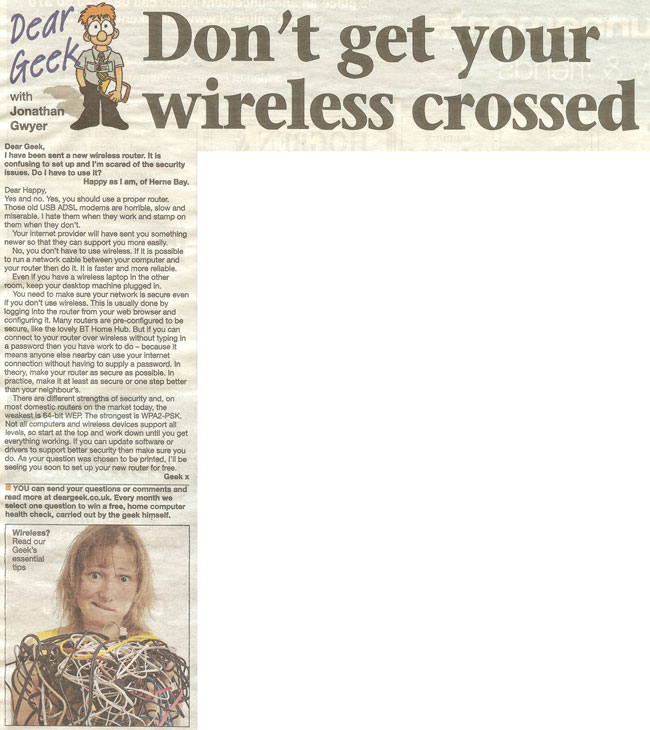
I’ve been sent a new wireless router. It’s confusing to set up and I’m scared of the security issues. Do I have to use it?
Happy as I am of Herne Bay.
Dear Happy,
Yes and no.
Yes, you should use a proper router. Those old USB ADSL modems are horrible. Slow and miserable, I hate them when they work, stamp on them when they don’t. Your internet provider will have sent you something newer so that they can support you more easily.
No, you don’t have to use wireless. If it’s possible to run a network cable between your PC and your router then do it. It’s faster, more reliable and just plain better. Even if you’ve got a wireless laptop in the other room, keep your desktop plugged in.
But if you don’t use wireless then you still need to make it secure or work out how to disable it. This is usually best done by logging into the router itself and configuring it there.
Fortunately, many routers are now pre-configured to be secure, like the lovely BT Home Hub. But if you can wirelessly connect to your router without typing in a password then you have work to do. In theory, make your router as secure as possible. In practice, make it at least as secure or one step better than your neighbour’s!
There are different strengths of security and, on most domestic routers on the market today, the lowest is 64-bit WEP and the best is WPA2-PSK. Not all PCs or wireless devices support all levels, so start at the top and work down until you get everything working. If you can update software or drivers to support better security then make sure you do it!
As your question was chosen to be printed, I’ll be seeing you soon to set up your new router, for free!
Geek x

A Microsoft Certified Professional with many years of large corporate experience and training, he now focuses on helping small businesses make the most of their IT.
- Font Test - March 30, 2022
- An open letter of apology to Anna Firth - November 8, 2019
- My story – being a mum to a colour deficient son - September 9, 2019